_edited.png)
What Is a Design System? Boost Efficiency & Consistency
- Ekaterina WebcityX

- Jan 30
- 7 min read

Consistency often feels out of reach when juggling multiple web projects, especially for teams pressed for time. For Hungarian web designers and project managers, messy style guides and overlapping components can slow everyone down. Adopting a design system transforms scattered assets into a shared, reusable toolkit, helping teams build faster, collaborate more easily, and deliver polished results in both Wix and Wix Studio.
Table of Contents
Key Takeaways
Point | Details |
Comprehensive Design System | A design system serves as a centralized toolkit aiding designers and developers in creating unified digital experiences efficiently. |
Key Components | Essential components include visual identity elements, UI component libraries, and interactive design elements that facilitate modular and scalable development. |
Major Benefits | Design systems can enhance collaboration, streamline processes, and accelerate development speed, leading to improved productivity and reduced costs for web design teams. |
Pitfalls to Avoid | Common implementation challenges such as overcomplication and poor governance can hinder effectiveness; addressing these with a focus on core components and regular updates is crucial. |
Design System Basics and Key Concepts
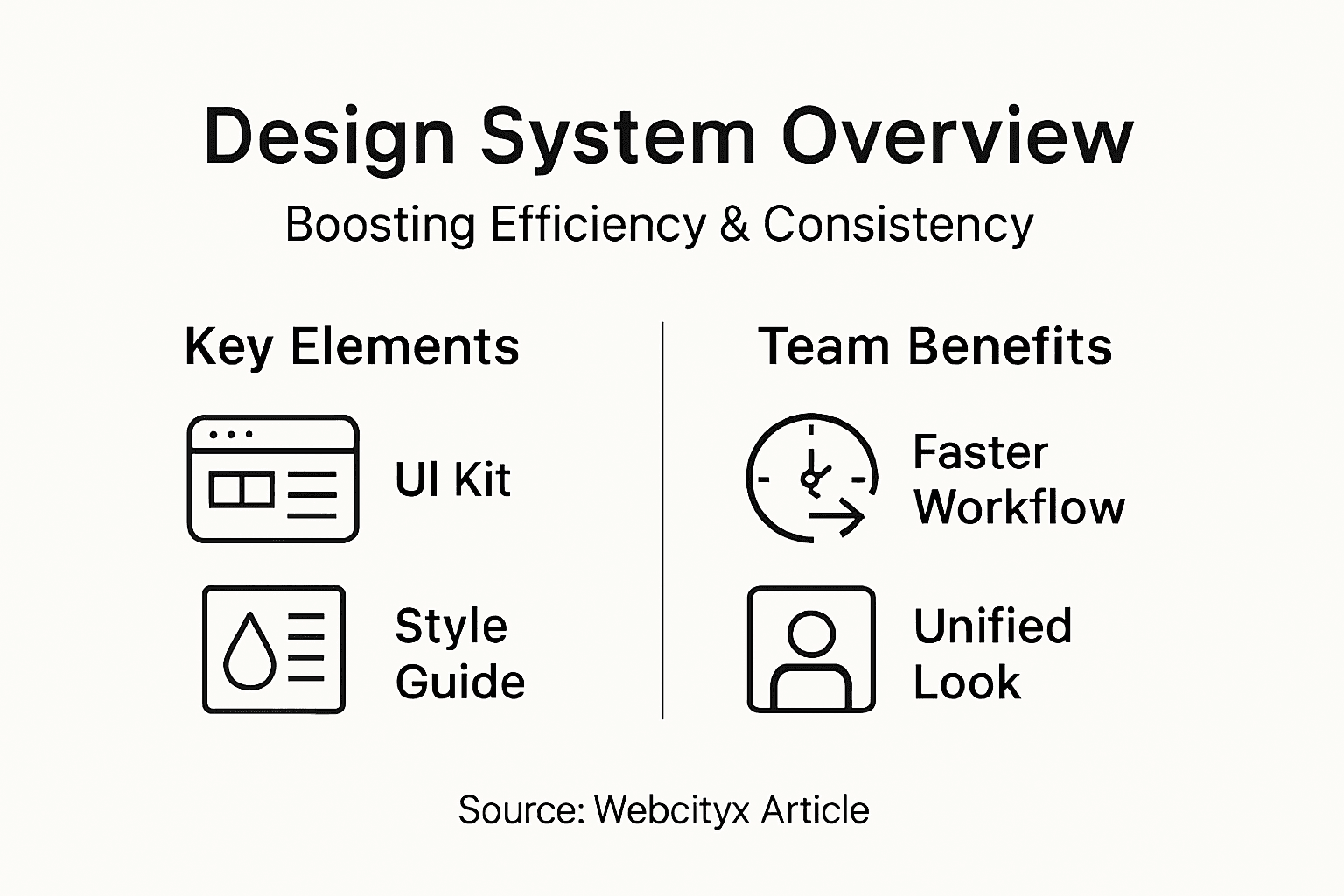
A design system represents a comprehensive collection of visual standards, reusable components, and guidelines that help web designers create consistent and efficient digital experiences. At its core, system design involves defining architecture and interfaces to meet specific project requirements while maintaining scalability and performance.
Design systems function like a centralized design language that provides developers and designers with a shared toolkit for creating digital products. These systems typically include:
Standardized color palettes
Typography guidelines
Consistent UI component libraries
Interaction design patterns
Reusable code snippets
Accessibility standards
Brand-specific design principles
The primary goal of a design system is to reduce complexity and streamline the design and development process. By establishing a single source of truth, teams can minimize redundant work, reduce inconsistencies, and accelerate product development. Complex system design principles help engineers create scalable, reliable applications that maintain visual and functional coherence across different platforms and devices.
Effective design systems go beyond mere visual consistency. They serve as a strategic framework that aligns design, development, and business objectives. When implemented correctly, these systems can significantly reduce design debt, improve collaboration, and create more intuitive user experiences by providing a predictable and uniform interface.
Pro tip: Start small by documenting your most frequently used design elements and gradually expand your design system as your team’s needs evolve.
Crucial Components and How They Work
Design system components are the fundamental building blocks that transform abstract design principles into practical, reusable elements. Modular UI elements form the core of design systems, enabling consistent and scalable product development across different platforms and interfaces.
The key components of a comprehensive design system typically include:
Visual Identity Elements
Color palettes
Typography standards
Logo variations
Icon libraries
UI Component Libraries
Buttons
Form fields
Navigation menus
Card designs
Interactive Design Elements
State management (hover, active, disabled)
Animation guidelines
Responsive design rules
Design system components encompass both branding and technical specifications, ensuring that every digital touchpoint reflects a unified visual language. These components act as a bridge between design creativity and technical implementation, providing developers and designers with a shared reference point.

Each component in a design system is meticulously crafted to be modular, meaning they can be easily combined and adapted while maintaining consistent style and functionality. This approach allows teams to create complex interfaces quickly without sacrificing design integrity or user experience quality.
Here’s a summary of how key design system components impact web project outcomes:
Component Type | Typical Role | Business Impact |
Visual Identity Elements | Unify colors, fonts, icons | Strengthens brand recognition |
UI Component Libraries | Provide ready-to-use interface elements | Reduces design and dev time |
Interactive Elements | Define animations, responsive behaviors | Enhances user satisfaction |
Pro tip: Document each component’s usage guidelines, potential variations, and interaction states to help your team understand and implement them consistently.
Major Benefits for Web Design Teams
Design systems provide transformative advantages that fundamentally reshape how web design teams collaborate and create digital products. Design systems dramatically improve team productivity and scalability, enabling organizations to streamline their design and development processes with unprecedented efficiency.
The key benefits for web design teams include:
Accelerated Development Speed
Reduced time spent recreating design elements
Faster prototyping and iteration
Consistent component libraries
Enhanced Collaboration
Unified design language
Clear communication between designers and developers
Shared design standards
Cost and Resource Optimization
Minimized redundant design work
Lower training overhead for new team members
Standardized design processes
Eliminating repetitive tasks speeds up production significantly, allowing design teams to focus more on innovation and creative problem-solving. By establishing a centralized system of reusable components, teams can dramatically reduce the time and effort spent on routine design tasks.
The strategic implementation of a design system transforms web design from a fragmented process into a cohesive, efficient workflow. Teams can now spend less time reconstructing basic elements and more time developing unique, user-centered solutions that drive meaningful product improvements.
Pro tip: Conduct regular design system workshops to ensure continuous alignment and refinement of your team’s design standards.
How Design Systems Improve Wix Projects
Design systems are powerful tools that significantly transform web design workflows, especially within Wix Studio’s innovative environment. Wix Studio integrates advanced design system features that enable web creators to build pixel-perfect websites with unprecedented efficiency and collaboration.
Key improvements for Wix projects through design systems include:
Streamlined Development Process
Consistent visual language
Faster component replication
Reduced design inconsistencies
Enhanced Team Collaboration
Unified design standards
Multi-user access and editing
Clear communication protocols
Performance Optimization
Responsive breakpoint management
Custom grid system implementation
Standardized performance benchmarks
The real power of design systems in Wix projects lies in their ability to create a seamless bridge between design creativity and technical implementation. By establishing a centralized library of reusable components, designers and developers can work more harmoniously, reducing friction and accelerating project timelines.
Wix Studio’s design system capabilities enable teams to maintain brand consistency while allowing flexible, adaptive design solutions. This approach transforms complex web design from a fragmented process into a strategic, cohesive workflow that prioritizes both aesthetic quality and functional performance.
Pro tip: Create a comprehensive design system documentation that includes usage guidelines, color palettes, and interaction states specific to your Wix project.
Common Pitfalls and How to Avoid Them
Design system implementation can be challenging, with several critical mistakes that can derail even the most well-intentioned projects. Common design system adoption challenges include overengineering and poor governance, which can quickly undermine the effectiveness of your entire approach.
Key pitfalls to watch out for include:
Overcomplication Risks
Creating too many unnecessary components
Designing complex rules that restrict creativity
Building inflexible design frameworks
Governance and Adoption Issues
Lack of clear ownership
Insufficient team buy-in
Poor communication of design system value
Documentation and Maintenance Challenges
Outdated component libraries
Inconsistent usage guidelines
Neglecting regular system updates
Successful design systems require a delicate balance between standardization and flexibility. Teams must create lightweight, adaptable systems that provide structure without stifling creativity. This means focusing on core components that genuinely solve recurring design challenges and maintaining a living document that evolves with your project’s needs.
The most effective design systems are those that are continuously refined through active team feedback and real-world usage. By treating your design system as a collaborative, dynamic tool rather than a rigid set of rules, you can create a framework that empowers rather than constrains your design and development teams.
The following table highlights common design system pitfalls and practical ways to prevent them:
Pitfall | Why It Happens | Prevention Strategy |
Overcomplication | Adding too many complex elements | Focus on core, widely used parts |
Poor Governance | Lack of clear ownership | Assign a design system lead |
Outdated Documentation | Not maintaining updates | Schedule regular document reviews |
Pro tip: Conduct quarterly design system reviews with your entire team to identify improvement areas and ensure ongoing relevance.
Unlock Efficiency and Consistency With Expert Wix Design Support
Design systems are essential for building scalable and consistent digital experiences but implementing them can feel overwhelming. Common challenges like overcomplication, poor governance, and maintaining up-to-date documentation slow teams down and cause frustration. If you want to avoid these pitfalls while boosting your Wix or Wix Studio website’s performance, it is critical to have a partner who understands both the design system principles and the technical nuances involved.

At Webcityx, we specialize in providing tailored website design, SEO, and technical support for Wix and Wix Studio projects. Our team helps you streamline your design process by creating modular UI components and establishing clear design standards that ensure consistency across your site. Don’t let complex design system challenges hold you back. Take the next step to enhance your website’s efficiency and user experience with expert guidance today. Visit us now to learn how we can help you make your digital presence seamless and scalable. Start improving your Wix project with Web Design Agency Solutions and discover smart strategies for lasting online success.
Frequently Asked Questions
What is a design system?
A design system is a comprehensive collection of visual standards, reusable components, and guidelines that help web designers create consistent and efficient digital experiences across platforms and devices.
How do design systems improve collaboration between design and development teams?
Design systems provide a unified design language, clear communication standards, and standardized components, which enhance collaboration and minimize misunderstandings between designers and developers.
What key components are typically included in a design system?
Design systems often include standardized color palettes, typography guidelines, UI component libraries, interaction design patterns, and accessibility standards to ensure consistency and quality in digital products.
What are the main benefits of implementing a design system for web projects?
The main benefits include accelerated development speed, enhanced team collaboration, and cost optimization by reducing redundancy and streamlining the design and development processes.
Recommended
