_edited.png)
Technical SEO Step by Step for Wix Sites Success


A website that fails to show up in Google searches can hold back even the most ambitious European or Hungarian startup. Technical SEO often feels overwhelming, but addressing it is vital if you want your Wix site to reach customers worldwide. By focusing on a strong site structure, fast load times, and flawless mobile usability, you create a foundation for greater search visibility and ongoing business growth. Site structure is a foundational aspect of technical SEO directly impacting how search engines crawl and index your website.
Table of Contents
Quick Summary
Key Insight | Explanation |
1. Regularly Audit Technical Settings | Schedule quarterly checks to catch crawl issues and ensure search engines index your site effectively. |
2. Fix Broken Links Promptly | Conduct monthly link audits to identify and resolve broken links that negatively impact user experience and SEO. |
3. Optimize for Mobile Usability | Ensure your site is mobile-friendly with fast loading times, intuitive navigation, and responsive designs. |
4. Implement Schema Markup | Use structured data to improve how search engines display your content, potentially increasing click-through rates. |
5. Monitor SEO Performance Continuously | Regularly track organic rankings and traffic to measure the effectiveness of your SEO strategies and adjust accordingly. |
Step 1: Assess Site Structure and Indexing Issues
In this crucial phase of technical SEO, you’ll systematically evaluate how search engines understand and navigate your Wix website. The goal is to identify potential barriers that might prevent Google from properly indexing and ranking your critical pages.
Beginning your site structure assessment requires a comprehensive approach. Start by using Google Search Console to generate a detailed crawl report that reveals how search engines currently perceive your website. Advanced site structure analysis helps eliminate indexing bottlenecks and improve search visibility.
Here are the key steps to comprehensively assess your Wix site’s structure:
Verify your site is properly configured in Google Search Console
Review your XML sitemap for completeness and accuracy
Check robots.txt settings to ensure critical pages are not accidentally blocked
Analyze site navigation and internal linking patterns
Identify and fix potential duplicate content issues
Evaluate page load speeds that might impact crawlability
Your site hierarchy should create a logical, intuitive path for both users and search engine crawlers. Think of your website like a well-organized library - each page should be easily findable and connected through meaningful pathways. Broken links, orphaned pages, or convoluted navigation can severely limit your SEO performance.
A clear, logical site structure is your first defense against indexing problems and search ranking limitations.
Pay special attention to your site’s URL structure. Ensure URLs are clean, descriptive, and follow a consistent pattern that reflects your content hierarchy. Avoid complex, parameter-laden URLs that confuse search engine crawlers.
Pro Tip: Use free tools like Screaming Frog or Google Search Console to automatically detect potential site structure and indexing issues before they impact your search rankings.
Below is a comparison of three popular Wix diagnostic tools for technical SEO analysis:
Tool Name | Main Focus | Ease of Use | Extra Features |
Google Search Console | Crawl & index coverage | User-friendly | Performance Insights |
Screaming Frog | Site crawling & errors | Moderate | Custom filters, export |
Wix SEO Assistant | Onsite optimization | Very easy | Automated suggestions |
Here’s a summary of common technical SEO issues and their potential impact on Wix websites:
Issue Type | Description | SEO Impact |
Duplicate Content | Multiple pages with similar content | Ranking loss, confusion |
Broken Links | Unreachable or non-existent URLs | Lower user trust, penalties |
Slow Page Load | Pages take long to display | Reduces crawl frequency |
Poor Mobile Usability | Site not optimized for mobile devices | Lower mobile rankings |
Confusing URL Structure | URLs use unnecessary parameters | Harder indexing, missed pages |
Missing Schema Markup | No structured data for key content | No rich results, low CTR |
Step 2: Enhance Website Speed and Mobile Usability
In this critical step, you’ll optimize your Wix website’s performance to deliver lightning-fast loading times and seamless mobile experiences that satisfy both users and search engine algorithms. Improving website speed directly impacts your search rankings and user engagement.

Mobile optimization techniques are essential for maintaining competitive search visibility. Your website must function flawlessly across all device types, ensuring a consistent and responsive user experience.
Here are key strategies to enhance your website’s speed and mobile performance:
Leverage Wix’s built-in WebP image compression
Enable lazy loading for images and videos
Defer unused JavaScript to improve initial page load
Use responsive design templates
Minimize large, resource-heavy design elements
Implement HTTPS for improved security and performance
When optimizing mobile usability, focus on creating intuitive navigation and touch-friendly interfaces. Your site should adapt seamlessly to different screen sizes, with readable text, easily tappable buttons, and streamlined content layouts.
Mobile-first design is no longer optional - it’s a critical requirement for modern websites.
Regularly test your site’s performance using tools like Google PageSpeed Insights. These diagnostic tools provide specific recommendations for improving load times and mobile responsiveness.
Pro Tip: Run performance tests monthly and address any speed or mobile usability issues immediately to maintain optimal search engine rankings.
Step 3: Improve Crawlability through Optimized Settings
In this critical step, you’ll configure your Wix website’s technical settings to ensure search engines can easily discover, understand, and index your content. Optimizing crawlability is essential for improving your website’s search visibility and overall SEO performance.
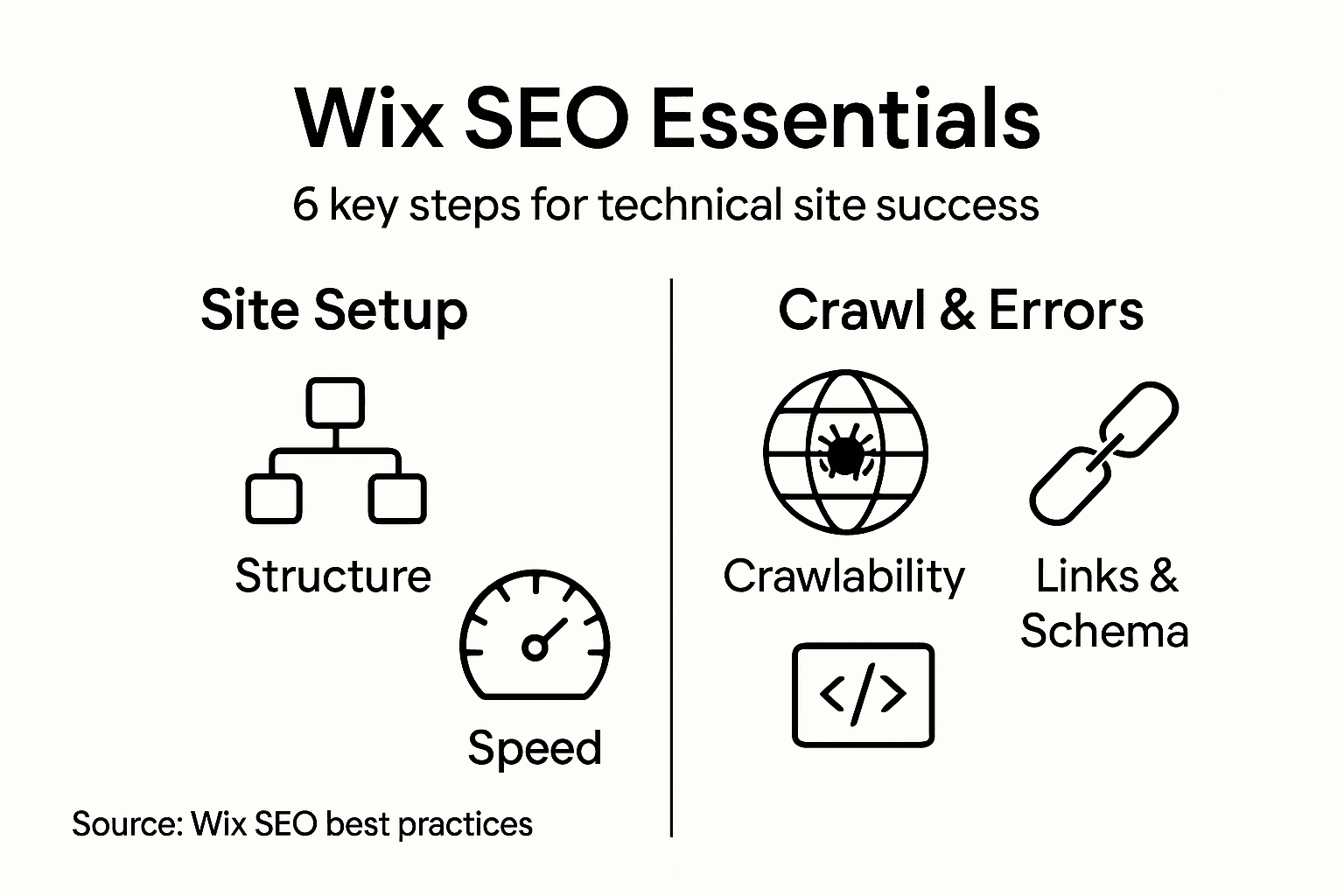
Wix SEO Assistant tools provide powerful resources for identifying and resolving crawlability challenges. These automated diagnostics help you pinpoint and fix potential indexing barriers without requiring advanced technical skills.
Key strategies for improving website crawlability include:
Submit an updated XML sitemap to search engines
Configure robots.txt file to guide search engine crawlers
Implement proper meta robots tags
Eliminate orphan pages through strategic internal linking
Ensure no critical pages are accidentally blocked
Maintain clean, descriptive URL structures
Careful configuration of your website’s technical settings prevents search engines from misinterpreting or overlooking your valuable content. Each setting acts like a signpost, guiding crawlers through your website’s most important pages and helping them understand your site’s structure.
Effective crawlability is about creating clear, intentional pathways for search engine bots to navigate your website.
Regularly audit your site’s technical settings to catch and resolve any potential crawl barriers. Use diagnostic tools to verify that all critical pages remain accessible and indexable.
Pro Tip: Schedule quarterly technical SEO audits to proactively identify and resolve any emerging crawlability issues before they impact your search rankings.
Step 4: Fix Broken Links and Resolve Errors
In this crucial step, you’ll systematically identify and repair link issues that could harm your website’s search performance and user experience. Broken links can significantly damage your site’s credibility and search engine rankings.
Wix SEO optimization strategies emphasize the importance of maintaining a clean, error-free website. Regular link audits help prevent potential SEO penalties and ensure smooth user navigation.
Key strategies for addressing broken links and site errors include:
Run comprehensive link audits using Google Search Console
Implement proper 301 permanent redirects for deleted pages
Replace or remove broken internal and external links
Check and fix 404 error pages
Validate all navigation menus and site-wide links
Update outdated or incorrect hyperlinks
When managing link errors, prioritize user experience alongside technical optimization. Each broken link represents a potential point of user frustration and search engine confusion.
Broken links are more than technical errors - they’re missed opportunities for user engagement and search visibility.
Utilize Wix’s built-in SEO tools and third-party link checking services to perform regular site-wide link health assessments. Proactive link management prevents gradual site deterioration and maintains your website’s professional appearance.
Pro Tip: Schedule monthly link audits and set up automatic redirect rules to quickly address any emerging broken link issues before they impact your site’s performance.
Step 5: Implement Schema Markup for Rich Results
In this strategic step, you’ll enhance your website’s search visibility by implementing structured data that helps search engines understand and showcase your content more effectively. Schema markup transforms how your pages appear in search results, potentially increasing click-through rates and organic traffic.
Wix structured data implementation provides powerful tools to add Schema.org markup without requiring advanced coding skills. By leveraging these built-in features, you can unlock rich search result opportunities across various content types.
Key strategies for implementing schema markup include:
Identify appropriate schema types for your content
Use JSON-LD format for schema implementation
Add markup for local businesses, products, articles, and events
Validate schema using Google’s Structured Data Testing Tool
Ensure accuracy of structured data details
Test rich result previews in Search Console
Schema markup acts like a detailed instruction manual for search engines, providing context about your page’s content. By speaking the search engine’s language, you help algorithms understand and potentially highlight your most important information.
Schema markup bridges the communication gap between your website and search engine algorithms, transforming raw content into visually compelling search results.
Wix makes schema implementation relatively straightforward, offering native support for various schema types. Be meticulous about entering accurate information to maximize your chances of generating rich results.
Pro Tip: Regularly audit your schema markup and update it whenever your website content changes to maintain maximum search engine visibility.
Step 6: Verify SEO Changes for Effective Results
In this final phase of your technical SEO journey, you’ll systematically validate and measure the impact of the optimization strategies you’ve implemented. The goal is to transform your technical adjustments into tangible improvements in search engine visibility and organic traffic.
Wix SEO tracking tools provide comprehensive insights into your website’s performance, allowing you to monitor the effectiveness of your technical SEO efforts with precision and confidence.
Key strategies for verifying SEO changes include:
Monitor organic search rankings for target keywords
Track changes in website traffic and user engagement
Review Google Search Console performance reports
Analyze click-through rates and search impressions
Compare current metrics with baseline measurements
Identify which SEO modifications generated the most significant impact
Technical SEO is an iterative process that requires continuous measurement and refinement. By carefully tracking your site’s performance, you can make data-driven decisions that progressively improve your search engine visibility.
Effective SEO verification transforms technical changes from theoretical improvements into measurable results.
Consider creating a monthly or quarterly SEO performance dashboard that consolidates key metrics. This approach helps you maintain a clear, strategic view of your website’s search engine optimization progress.
Pro Tip: Set up automated reporting in Google Search Console and create calendar reminders to review your SEO performance systematically, ensuring you never miss critical optimization opportunities.
Unlock Your Wix Site’s Full Potential with Expert Technical SEO Support
Struggling with complex site structures or slow page loads on your Wix website can feel overwhelming. This article covers essential steps like improving crawlability, fixing broken links, and implementing schema markup that every Wix site owner needs. If these technical SEO challenges are holding back your search rankings and user engagement, you are not alone. Our team specializes in tailored website design, SEO, and technical support for Wix and Wix Studio sites to help you overcome these hurdles with confidence.

Take control of your Wix site’s success today by partnering with experts who understand the nuances of Wix platform optimization. Visit Webcityx to explore how our custom solutions for website design and SEO can transform your site’s performance. Don’t wait for search engines to miss your opportunity – start improving your site speed, crawlability, and indexing now with Webcityx. Your Wix site’s future depends on making these critical SEO enhancements right away.
Frequently Asked Questions
How can I assess my Wix site’s structure for SEO?
To assess your Wix site’s structure, start by generating a crawl report using Google Search Console. Focus on checking your XML sitemap, robots.txt settings, and internal linking patterns to ensure everything is properly set up and accessible for search engines.
What steps can I take to enhance my website’s speed on Wix?
To enhance your website’s speed, leverage built-in image compression and enable lazy loading for media files. Optimize these settings regularly to achieve loading times under 3 seconds, which can significantly improve user engagement and search rankings.
How do I fix broken links on my Wix website?
Fix broken links by running a comprehensive audit using tools available in Wix or Google Search Console. Replace or remove any broken links and implement proper 301 redirects for deleted pages to maintain a seamless user experience and avoid losing traffic.
What is schema markup and how do I implement it on my Wix site?
Schema markup is structured data that helps search engines understand your content better. Implement it by identifying appropriate schema types for your content and adding the structured data in JSON-LD format to your pages, enhancing your visibility in search results.
How can I verify the effectiveness of my technical SEO changes on Wix?
You can verify the effectiveness of your technical SEO changes by monitoring organic search rankings and website traffic using analytics tools. Set specific metrics to track, such as click-through rates, and review your performance monthly to ensure your optimizations are yielding results.
Recommended
