_edited.png)
How to Design a Website for Small Business Success

Updated: Feb 6

Struggling to stand out online among competitors is a common challenge for small businesses. A clear website strategy makes it easier to reach local customers and grow your business. By focusing on precise audience targeting and tailored design, you lay the foundation for a website that attracts visitors and helps you achieve your business goals.
Table of Contents
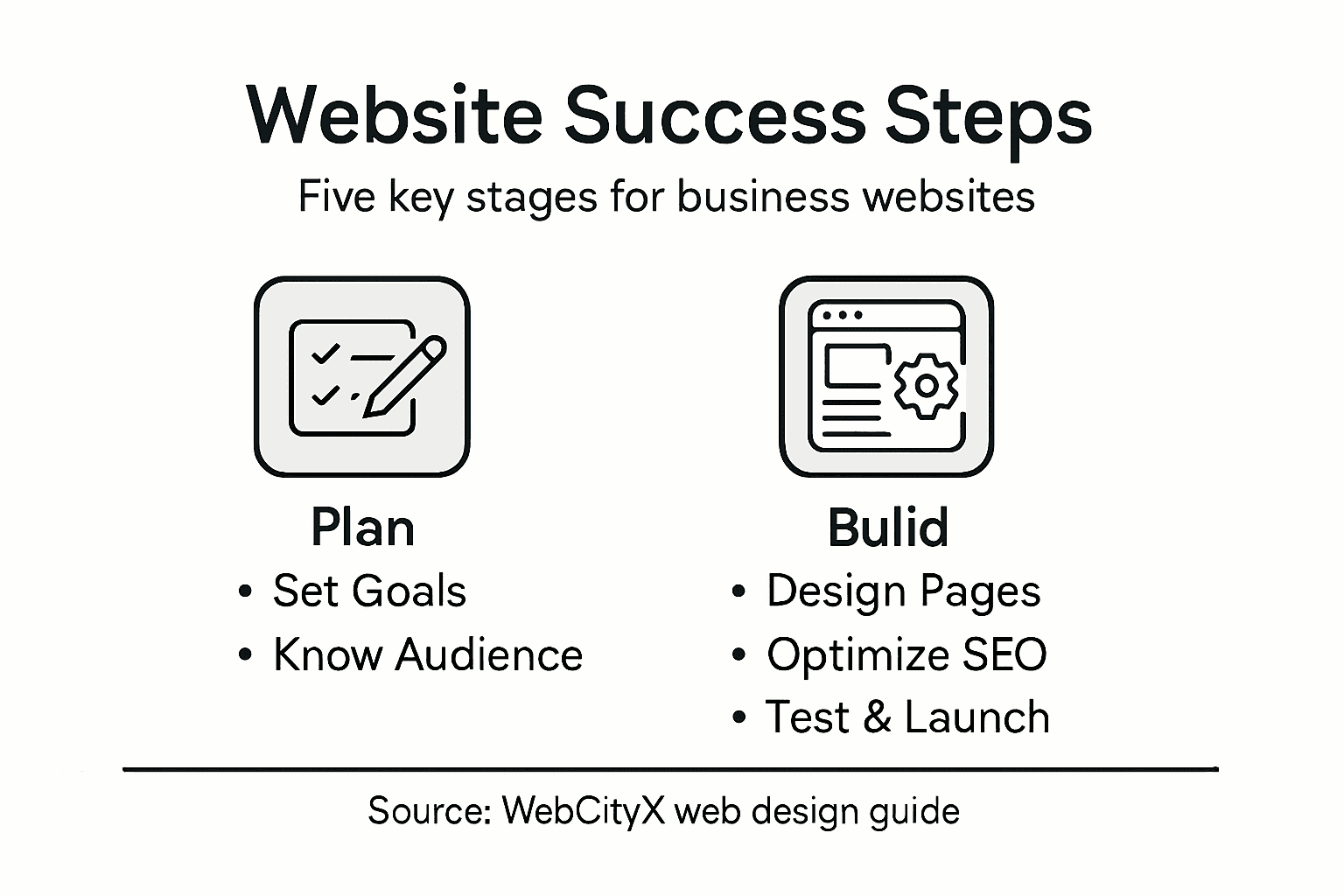
Quick Summary
Key Point | Explanation |
1. Define Clear Goals | Establish specific objectives for your website to shape its design and functionality. |
2. Understand Your Audience | Research demographics, behaviors, and pain points to create a focused audience persona. |
3. Plan Structure & Visual Style | Organize content effectively and design a cohesive visual identity for better user experience. |
4. Optimize for SEO and Usability | Implement keyword strategies and ensure content is both engaging and discoverable by search engines. |
5. Test Thoroughly Before Launch | Conduct comprehensive reviews of functionality and design to ensure a polished website ready for users. |
Step 1: Define website goals and target audience
Defining your website’s goals and target audience is the critical foundation for creating a successful online presence for your small business. By understanding exactly who you want to reach and what you aim to accomplish, you can design a website that effectively communicates your value and attracts the right customers.
Starting with clear goals helps you make strategic decisions about design, content, and functionality. Begin by asking yourself key questions about your business objectives. Are you looking to generate leads, sell products online, showcase your portfolio, or provide essential information about your services? Detailed audience research will help you create a laser-focused website that resonates with potential customers.
To systematically define your target audience, consider these essential characteristics:
Demographic details: Age range, income level, gender, location
Professional background: Industry, job title, professional interests
Online behavior: Preferred digital platforms, browsing habits
Pain points: Specific challenges your business can solve
Create a detailed audience persona that represents your ideal customer. This fictional profile will guide your website’s design, tone, and content strategy. Think about their motivations, needs, and how your business provides unique solutions.
Track and refine your audience understanding by monitoring website analytics and gathering direct customer feedback. Your initial audience definition is just the starting point - continue to evolve your approach as you learn more about your customers.
Precise audience targeting transforms a generic website into a powerful business tool that speaks directly to your potential customers.
Pro tip: Conduct short online surveys or interviews with existing customers to gain deeper insights into their preferences and needs.
Step 2: Plan site structure and visual style
Planning your website’s structure and visual style is a critical step in creating a compelling online presence that effectively represents your small business. By carefully mapping out how information will be organized and designing a cohesive visual approach, you’ll create a user-friendly experience that captures your brand’s essence.
Comprehensive site analysis helps you make strategic decisions about layout, navigation, and design elements. Start by sketching a basic wireframe that outlines your main pages and how users will move through your site. Consider these key structural elements:
Homepage: Your digital storefront that introduces your business
About page: Tells your brand’s story and builds trust
Services/Products: Detailed information about what you offer
Contact page: Clear ways for potential customers to reach you
Portfolio or Testimonials: Social proof of your capabilities
When developing your visual style, focus on creating a consistent and professional look that reflects your brand’s personality. Choose a color palette that aligns with your business identity, typically using 2-3 primary colors and 1-2 accent colors. Select typography that is both readable and distinctive - typically a clean sans-serif font for headings and a complementary font for body text.
Create visual hierarchy by using different font sizes, weights, and colors to guide users’ attention to the most important information. Ensure your design elements are harmonious and create a sense of balance across all pages.
A well-planned website structure and thoughtful visual design can transform your online presence from generic to memorable.
Pro tip: Use design consistency tools or create a brand style guide to maintain a uniform look across all your digital platforms.

Step 3: Build pages using Wix or Wix Studio
Transforming your website design from concept to reality begins with strategically building your pages using Wix or Wix Studio. These powerful platforms offer intuitive tools that allow even novice designers to create professional websites with minimal technical expertise.
Drag-and-drop page building techniques make the process straightforward and enjoyable. Start by selecting a template that closely matches your business aesthetic or begin with a blank canvas for complete creative control. Wix provides an extensive library of pre-designed sections you can customize:
Header section: Create a compelling first impression
Hero image: Showcase your brand visually
Service sections: Highlight your offerings
Testimonial blocks: Build credibility
Contact forms: Enable easy customer communication
Optimize your page layout by focusing on user experience. Arrange content logically, ensuring visitors can quickly find the information they need. Use consistent spacing, align elements purposefully, and create clear navigational paths between different sections of your site.
Pay special attention to responsive design. Wix Studio automatically adjusts your layout for mobile, tablet, and desktop views, but you should preview and fine-tune each version to guarantee a seamless experience across all devices.
Your website is your digital storefront - make every pixel count and reflect your unique business personality.
Pro tip: Preview your site on multiple devices and ask friends or colleagues to test navigation and provide honest feedback before launching.
Step 4: Optimize content for SEO and usability
Creating a website that attracts and engages visitors requires strategic content optimization for both search engines and user experience. Your goal is to develop compelling content that ranks well and keeps potential customers interested and informed about your business.
Content optimization techniques involve carefully crafting your website’s text to meet search engine requirements while maintaining readability. Focus on these key elements to improve your site’s performance:
Keyword research: Identify terms your target audience searches for
Strategic placement: Include keywords naturally in titles, headers, and content
Compelling headings: Write clear, descriptive section titles
Quality content: Create informative, original text that answers user questions
Meta descriptions: Write concise, engaging summaries for search results
Write for your audience first, not search engines. Each page should provide genuine value, addressing specific customer needs and pain points. Use clear, conversational language that explains your services, answers common questions, and highlights your unique business strengths.
Technical SEO elements matter too. Ensure your website loads quickly, works smoothly on mobile devices, and has clean, descriptive URLs. Include alt text for images, create a logical site structure, and make navigation intuitive for visitors.
Great content is the bridge between your business and potential customers - make every word count.
Pro tip: Use free SEO tools to analyze your content and identify opportunities for improvement before publishing your final website.
Step 5: Review, test, and launch your website
Before introducing your website to the world, a comprehensive review and testing process will ensure a professional, polished online presence. This critical final stage transforms your design from a work in progress to a fully functional business tool that represents your brand effectively.
Comprehensive website testing involves multiple layers of careful examination to identify and resolve potential issues. Break down your testing process into these essential categories:
Functional testing: Verify all links, forms, and interactive elements work correctly
Mobile responsiveness: Check site performance across different devices and screen sizes
Load speed: Ensure pages load quickly on various internet connections
Cross-browser compatibility: Test website appearance in different browsers
Content accuracy: Review all text for spelling, grammar, and clarity
Simulate real user experiences by asking friends, family, or colleagues to navigate your site and provide honest feedback. Pay attention to their intuitive understanding of your site’s structure, ease of finding information, and overall visual appeal. Consider creating a quick survey to gather structured insights about user experience.
Before going live, double-check critical technical elements like SSL certificates, domain settings, and hosting configuration. Ensure your contact forms are routing correctly, payment gateways (if applicable) are functioning, and all integrations work seamlessly.
Use this table to guide your site testing and launch process:
Test Area | What to Check | Business Benefit |
Functionality | All links and forms work correctly | Prevents visitor frustration |
Mobile Responsiveness | Consistent experience on all devices | Maximizes audience reach |
Page Load Speed | Fast loading on any connection | Reduces bounce rates |
Cross-browser Compatibility | Same look in all browsers | Professional, consistent appearance |
Technical Set-Up | SSL, domains, forms, integrations | Secure and seamless operation |
A meticulously tested website speaks volumes about your professionalism and commitment to quality.
Pro tip: Create a staged launch by sharing your site with a small, trusted group first to gather final feedback before a full public release.
Here’s a summary comparing key outcomes at each website planning stage:
Step | Primary Goal | Outcome for Business |
Define Goals & Audience | Clarity on objectives and visitors | Focused, effective communication |
Plan Structure & Style | Logical layout and branding | Strong user experience, trust building |
Build with Wix Tools | Functional, responsive pages | Professional presence, easy updates |
Optimize SEO & Usability | High visibility and readability | More site visits, engaged users |
Review & Launch | Error-free, polished launch | Trustworthy, reliable online presence |
Unlock Small Business Success With Expert Website Solutions
Designing a website that truly connects with your audience and drives results can feel overwhelming. From defining clear goals to building responsive pages with Wix Studio and optimizing for SEO, every step matters. If you want to avoid common pitfalls and create a polished, professional online presence that stands out, you need more than just guidance – you need expert support tailored to your unique business needs.
At WebCityX, we specialize in web design, SEO, and technical support for Wix and Wix Studio websites. Our team ensures your site structure is intuitive, content is fully optimized, and performance is flawless across all devices. Whether you struggle with site planning, content optimization, or the final testing phase described in the article, we help you transform your vision into a powerful digital storefront.

Ready to turn your website plans into reality with confidence and ease? Visit WebCityX now to explore our full range of services and discover how customized web design and SEO strategies can fuel your small business growth. Don’t wait until launch day to realize your site could do more – take the first step toward success today.
Frequently Asked Questions
What are the first steps to defining my website goals for small business success?
Begin by asking yourself what you want to achieve with your website. Consider objectives like generating leads, selling products, or showcasing your portfolio, and write down these goals to create a clear focus for your site’s design and content.
How can I identify my target audience for my small business website?
To identify your target audience, gather demographic information such as age range, income level, and location. Create a detailed audience persona representing your ideal customer to guide your website’s design and content strategy, ensuring it resonates with potential visitors.
What key elements should I include in my small business website structure?
Include essential elements like a homepage, an about page, a services or products page, a contact page, and a portfolio or testimonials section. Organize these components logically to create a user-friendly navigation experience and effectively showcase your business capabilities.
How do I optimize content for SEO on my small business website?
Focus on keyword research to identify terms relevant to your audience, naturally incorporating these keywords into your content. Write clear headings and high-quality text that addresses customer needs, making it easy for search engines to understand and rank your site.
What steps should I take during the testing phase before launching my website?
Conduct functional testing to ensure all links and forms work correctly, along with checking mobile responsiveness and load speed. Gather feedback from trusted friends or colleagues to refine the user experience and make necessary adjustments prior to your official launch.
How can I measure the success of my small business website after launch?
Monitor website analytics to track visitor engagement, page views, and conversion rates. Use this data to identify which content resonates most with your audience and make improvements to enhance user experience and business performance.
Recommended
